We use cookies to provide a better user experience and personalised service. By consenting to the use of cookies, we can develop an even better service and will be able to provide content that is interesting to you. You are in control of your cookie preferences, and you may change them at any time. Read more about our cookies.
These cookies are technically required for our core website to work properly, e.g. security functions or your cookie consent preferences.
Preference cookies enable a website to remember information that changes the way the website behaves or looks, like your preferred language or the region that you are in.
In order to improve our website going forward, we anonymously collect data for statistical and analytical purposes. With these cookies we can, for instance, monitor the number or duration of visits of specific pages of our website helping us in optimizing user experience.
These cookies help us in measuring and optimizing our marketing efforts.
This training is for you if you need a refresher on using the IMS software
In this training you will
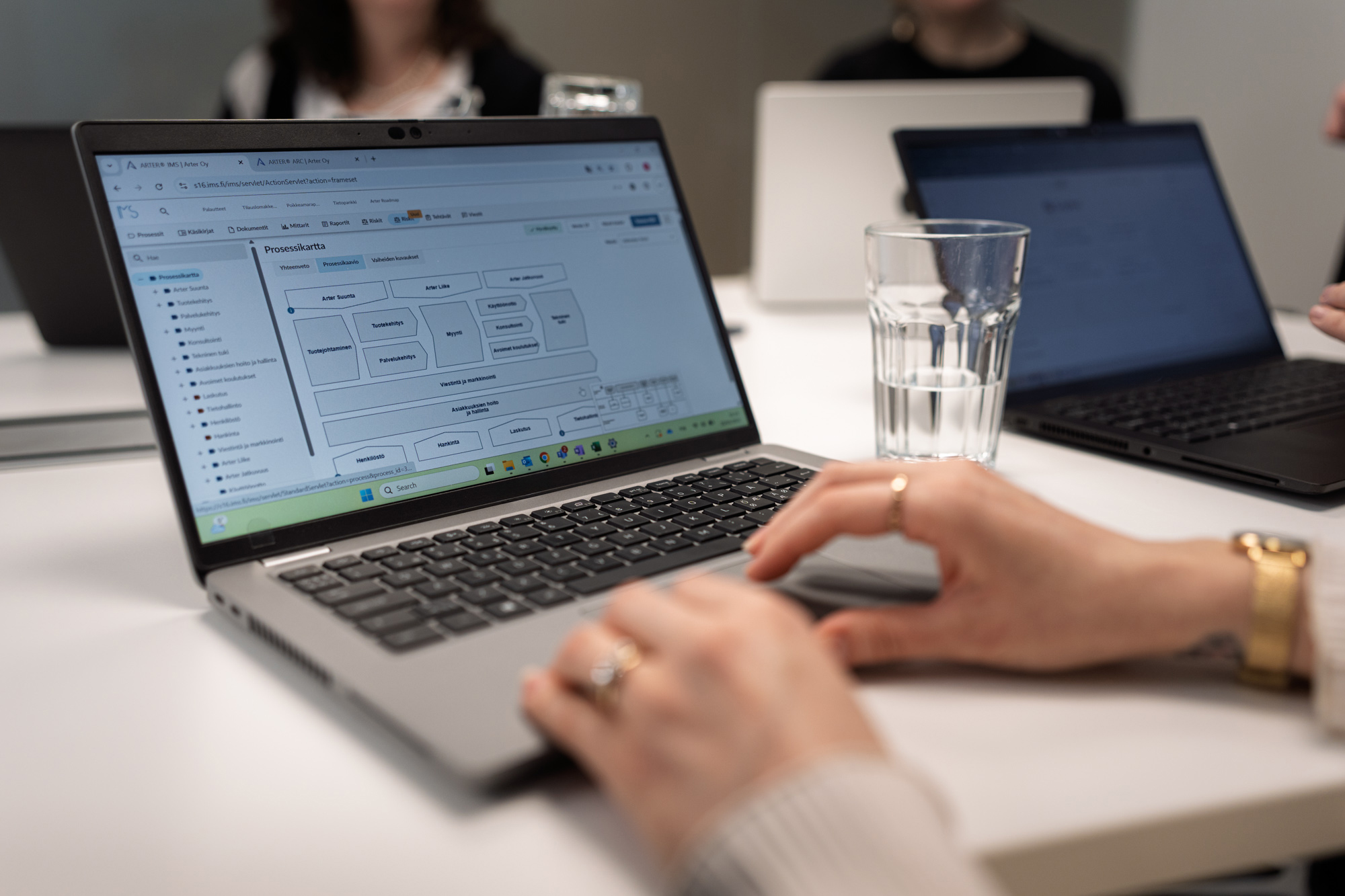
Review the basics of using the IMS software
Review the operating logic of the software
Learning methods
The training lasts 2 hours and will be held on Microsoft Teams
The trainer demonstrates features in a demo environment and guides exercises carried out in your own organization’s IMS software
The training strengthens your use of the software and promotes networking and sharing best practices with other software users
Who is this training for
Anyone who uses IMS software in their work and would like training to support it. The training also covers content editing features.
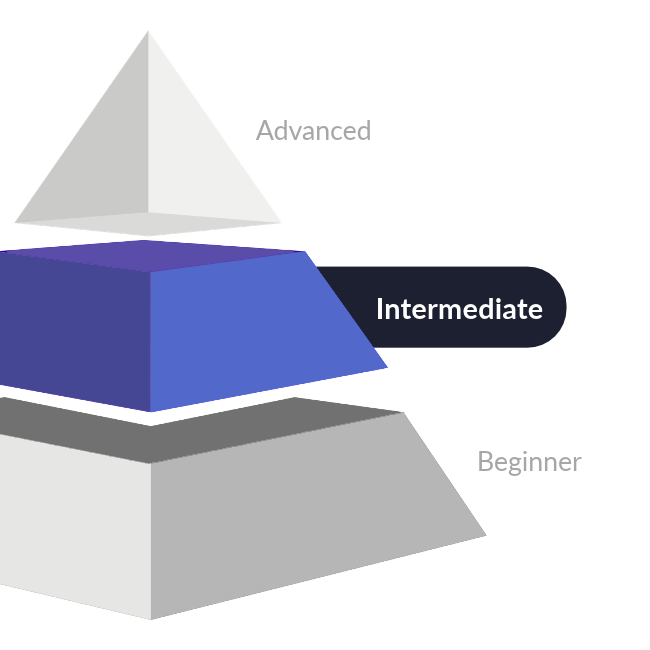
Advanced = the training comprehensively covers the software’s features, including functions reserved for the Software Administrator. Previous user experience is recommended.
Intermediate = the training goes deeper into using the software and also covers more content editing features. At least some previous experience with the software is recommended.
Beginner = no previous experience with the software is required. The training focuses on basic features.
Price
The price includes the online training. Registration is binding. Cancellations must be made 8 days before the training begins. For later cancellations, we charge 50% of the training price. If participation is not cancelled at all, we charge the full price.
This training is free of charge for employees of all software customers with a Gold or Platinum service level
Suosittelemme ilmoittautumaan koulutukseen mahdollisimman ajoissa
— viimeistään 8 päivää ennen koulutusta– jotta koulutuksen toteutus varmistuu hyvissä ajoin.
Pidätämme oikeudet koulutuksen aikataulumuutoksiin.
All of our courses are also available on an organization-specific basis. The content can be tailored exactly to your development needs, and delivered for anything from a small group up to your whole staff.
As Arter’s key account manager, Tommi Eerola helps you create and deepen systematic development practices in your organization. His daily customer meetings focus on enterprise architecture and quality management as well as process development. With Tommi, you will be able to build solutions towards a higher quality and more controlled business using Arter’s software.
Contact Tommi also about anything related to Arter’s tailored training.
Get in touch with Tommi directly, or request a quote!